Augmented Reality (AR) systems can be defined as the coexistence of real and virtual objects in the same space and used in actual time. AR has gained popularity within society but significantly education. The combination of real and virtual data provides users rich access to multimedia content that is both easily consumed but also contextually appropriate (Bower et al. 2014). The first uses of AR were seen through a tool for Air Force and Airline pilots during the 1990s (Murat Akçayır & Gokçe Akçayır, 2016). Akçayır & Akçayır (2016) discuss that the reason AR has become more popular in education environments is that it no longer requires expensive hardware or large and complex pieces of equipment. AR can be accessed through computers and mobile devices, and as a result, is being seen in all levels of schooling.
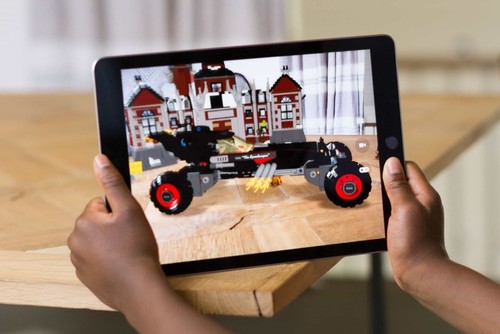


The use of Augmented Reality applications (AR apps) in an educational setting is becoming increasingly popular. The apps use a combination of software, sensors, and devices to present information and media concurrently with the surrounding reality (Bitter & Corral, 2014). Different apps can be used for different purposes e.g. SkyView can be used as a virtual education tool through the camera with the bottom left corner displaying relevant information to the object selected (Huang & Lin, 2017). Compare this to ZapWorks or Zappar, which has varying levels of difficulties from drag and drop development to completely customisable and scriptable 3D development (Seely, Creasy & Doll, 2019).
ZapWorks uses zapcodes to access content created by the user which is stored on the ZapWorks server. SkyView allows AR to be accessed, however, ZapWorks allows AR to be personally created, developed and opened, to build a more individual interaction with AR. For students, they are allowed to be creative and produce their own AR animation, while a simplistic launching and scanning procedure allows for fast and efficient experiences (Seely, Creasy & Doll, 2019).
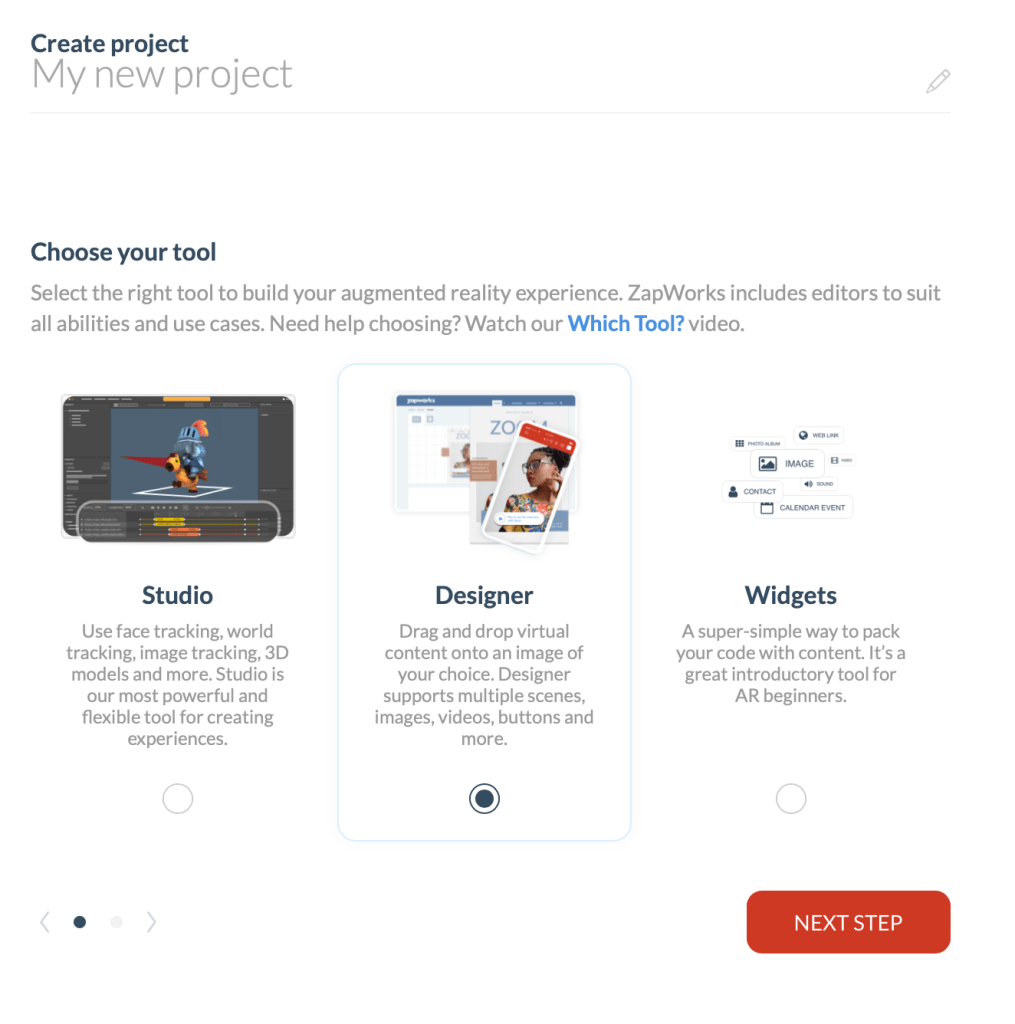
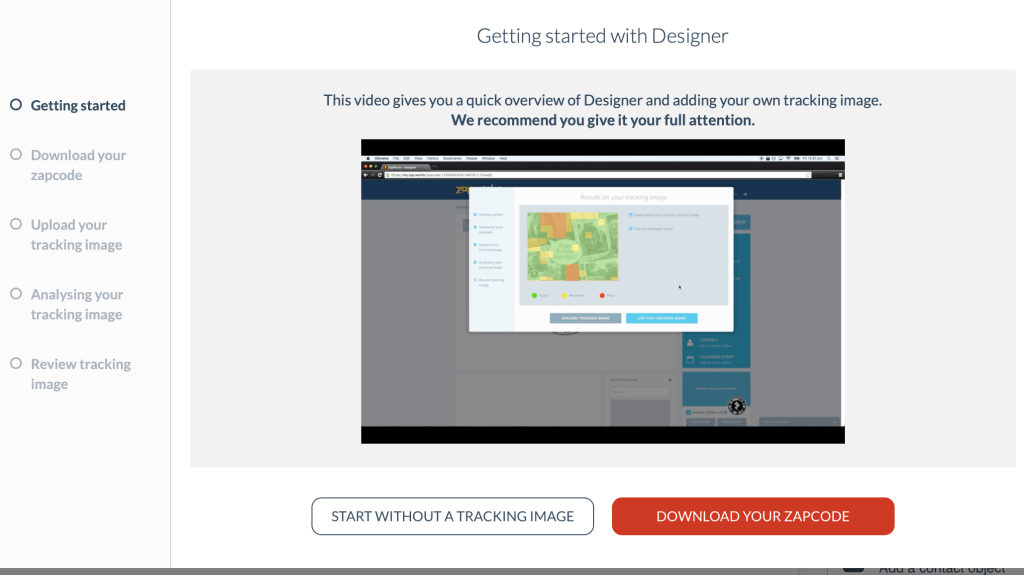
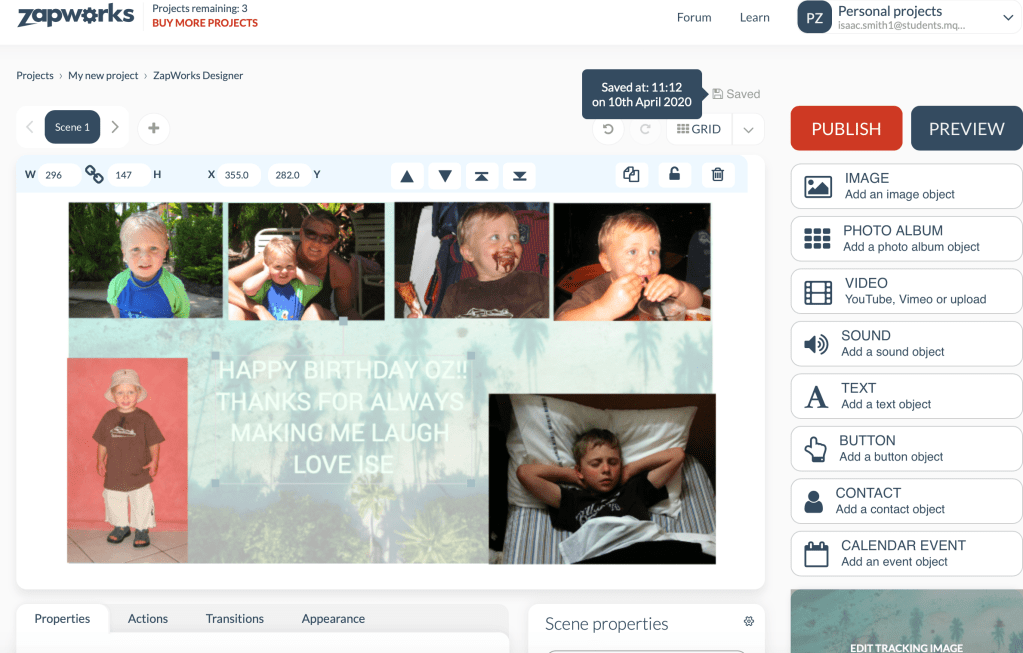
To test out the simple drag-and-drop element of ZapWorks I made an Augmented birthday card for my younger brother. I found the ‘designer’ page a little confusing but once the zapcode was recognised, the images that appeared on the screen were an interesting way of viewing a card. In a classroom environment, AR allows students to instantly view their creations on screen. ZapWorks enables students to get creative, be engaged and feel empowered by developing their own experience.
References
Akçayır, M., & Akçayır, G. (2017). Advantages and challenges associated with augmented reality for education: A systematic review of the literature. Educational Research Review, 20, 1-11.
Bower, M., Howe, C., McCredie, N., Robinson, A., & Grover, D. (2014). Augmented Reality in education – Cases, places and potentials. Educational Media International, 51(1), 1-15
Bitter, G., & Corral, A. (2014). The pedagogical potential of augmented reality apps. International Journal of Engineering Science Invention, 3(10), 13-17.
Huang, Y. M., & Lin, P. H. (2017). Evaluating students’ learning achievement and flow experience with tablet PCs based on AR and tangible technology in u-learning. Library Hi Tech.
Seely, B. J., Creasy, A., & Doll, H. (2019). ZapWorks (Augmented Reality) Workshop.
 EDUC3620 Digital Creativity and Learning
Hi Isaac, I enjoyed how you outlined how AR technology has been around for a while but only recently moved into education as a creative tool. Your example that you created for your brother was really great and really outlined how diverse AR can be and its implications for education.
LikeLike